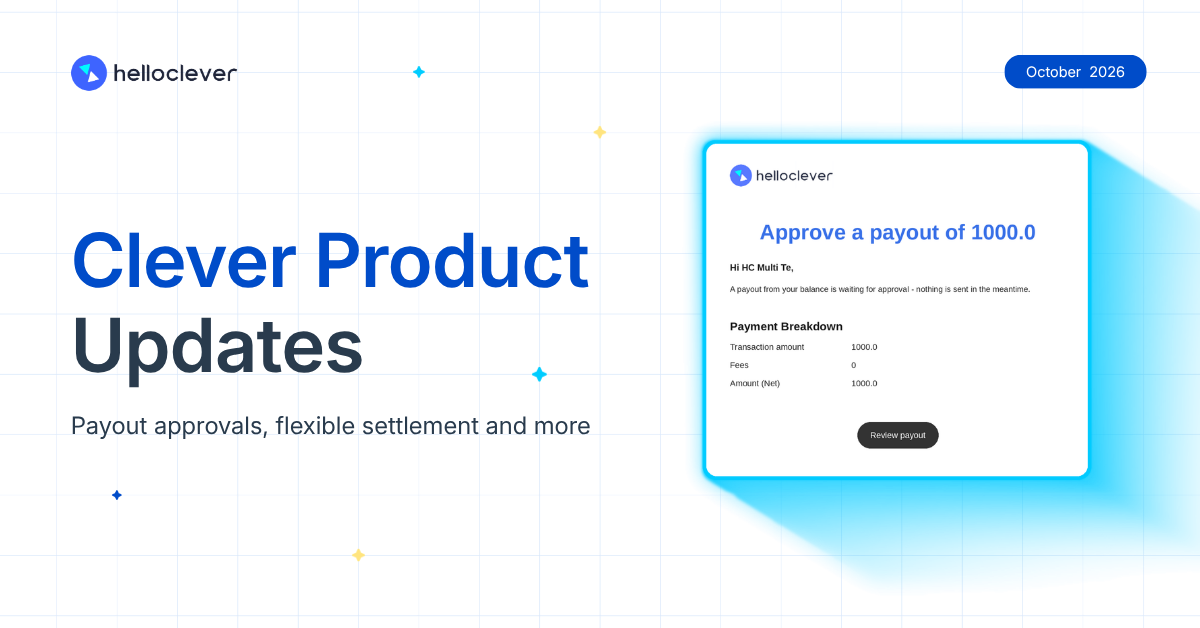
Getting paid is only the start. What happens next matters just as much: who on your team signs off before money leaves, and when your settlement arrives. This month’s updates give you more options at both points, plus a faster way to switch between your merchant accounts.
✅ Stop wrong or unauthorised JPY payouts before they leave
✅ Settle JPY and USD on a schedule that suits your cash flow
✅ Manage every linked merchant account with one login
Approve payouts before the money leaves
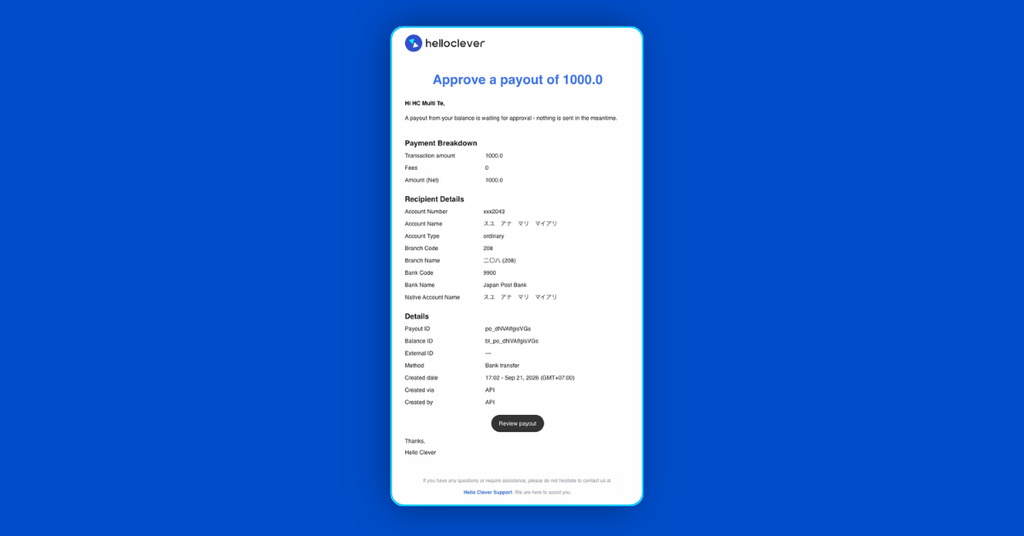
For JPY payouts, you can now require a second person to approve each payout before it’s processed. A wrong amount or an unauthorised request can then be stopped while the funds are still in your balance.
When a payout is created, your Admin and Finance team get an email with a link to review it, so payouts don’t sit waiting for someone to notice them. Either can approve or reject it, as long as they didn’t create the payout themselves, which means no single person can send money out of your account alone. If a payout is rejected, the money goes straight back to your available balance, ready to use again. Every decision is recorded too, so when your accountant or auditor asks who approved a payment, you already have the answer.
Settle on your schedule
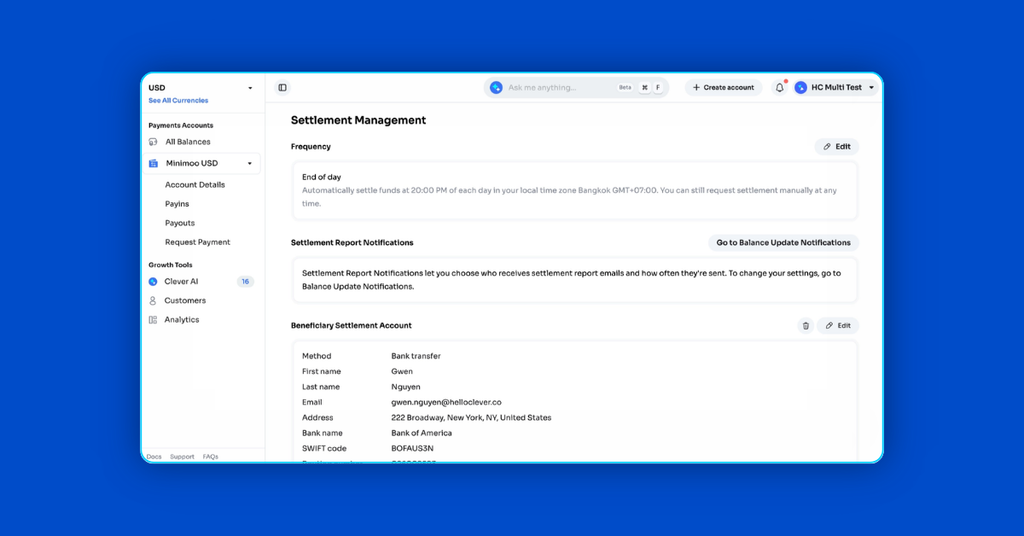
You can now also choose for yourself how often you’re settled and which account the money lands in.
Settlement setup in Merchant Dashboard used to cover AUD only. It now covers JPY and USD too, so you can manage settlement for all three currencies in one place. For each one, pick On-demand to settle when you decide, or End of Day to settle at the close of each day, then send the funds to a bank account, or to a Treasury Account where that’s supported. If you trade in more than one of these currencies, each can now settle on the schedule that suits it.
Switch merchant accounts without signing out
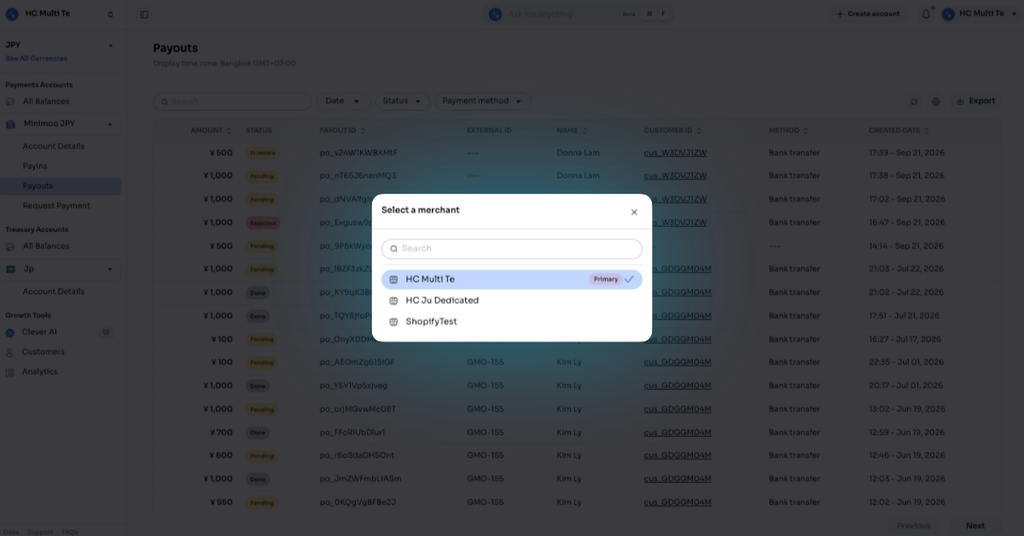
If your business runs more than one merchant account, this update saves you logging in and out all day. Linked accounts now sit in the Merchant Dashboard sidebar, and you can switch between them with the same login.
The dashboard shows which account you’re in, and the balances and actions on screen belong to that account only, which lowers the risk of acting in the wrong one. Your team’s permissions also carry across every linked account, so nobody has to share a password to get access.
Wherever your money is going next, more of that choice now sits with you with this month’s product updates. See you next month!
Leave a Reply