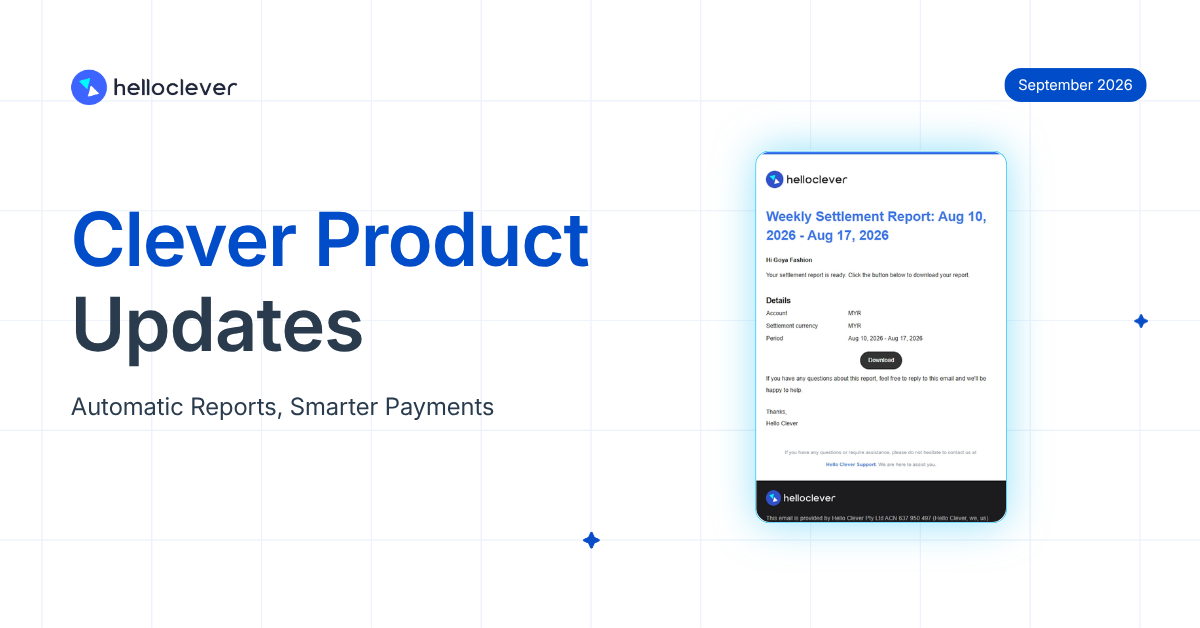
This month ships real improvements across the board: automatic settlement reports you no longer have to chase, a rebuilt docs site that gets your team moving faster on either side of the platform, more ways for customers to pay you with confidence, and dashboard tools that help you hold onto customers before they leave.
✅ Automatic settlement reports
✅ Moving money is now even easier
✅ A rebuilt docs site for merchants and developers
✅ Get paid in more places, with clearer payment details for your customers
✅ Spot at-risk customers before they leave, and a refreshed way to sign in
Automatic settlement reports, no more waiting on a reply
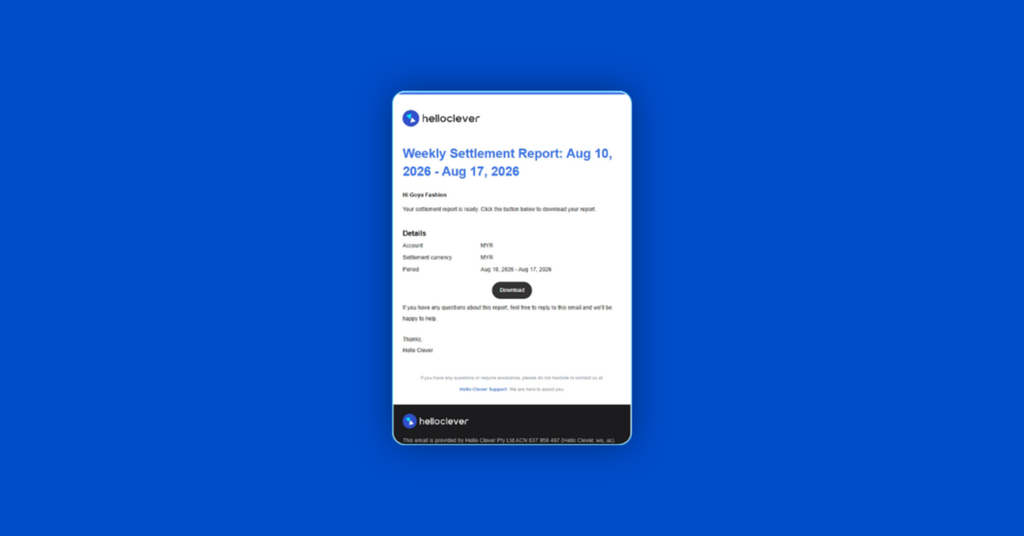
Checking your settlement numbers used to mean emailing us and waiting for a reply. This update makes it automatic: your End of Day settlement records are emailed to you automatically, in any settlement currency, on the schedule that suits you: daily, weekly or monthly. If you run multiple settlement accounts, each one gets its own report, so you’re reconciling against the right numbers straight away instead of sorting through one file yourself.
Moving money just got easier
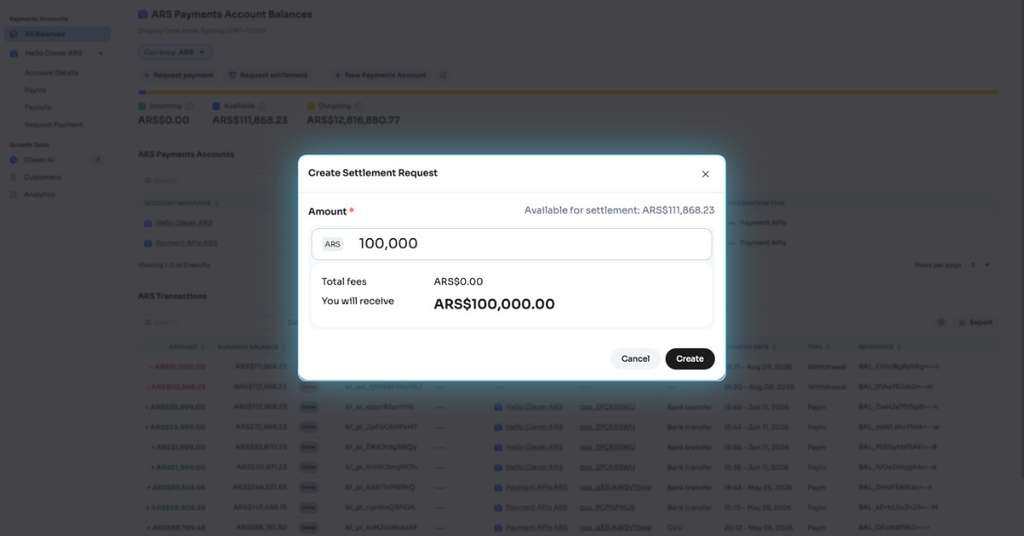
If you’re on Clever Connect, within supported currencies, you can now move funds directly between your Payment Account, Treasury Account and an external account, without needing to wait. The Request Settlement (withdraw) button on your dashboard also now supports every currency, so accessing your funds is just as easy, no matter what currency you’re holding.
A rebuilt docs site, for merchants and developers alike
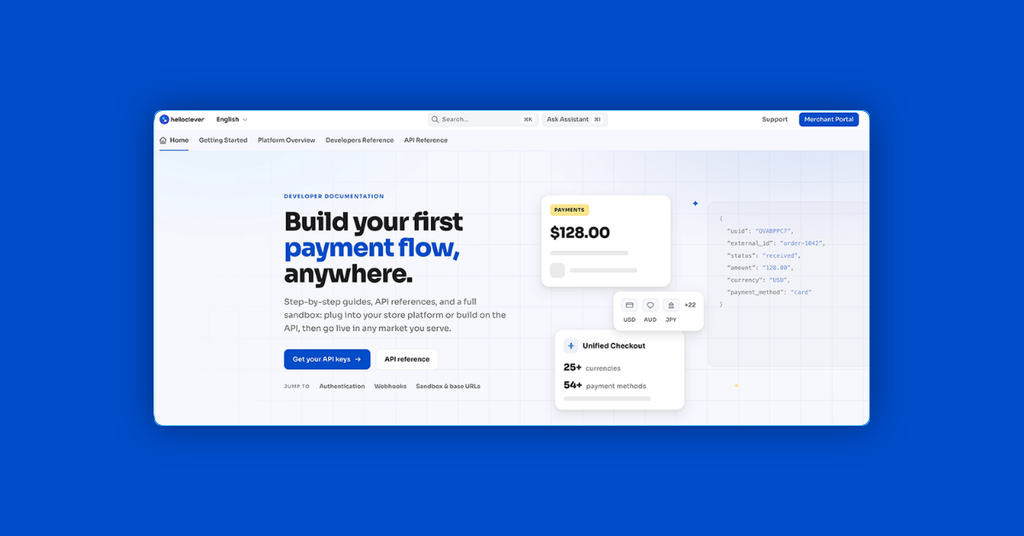
The whole docs site has a new look and a simpler structure, so finding what you need takes fewer clicks, and a new AI-powered search bar means you can ask a question in your own words and get a direct answer instead of digging through pages.
If you’re setting up or running your account, the docs also walk you through it in plain language, no code required: connecting your store, understanding how money moves between your balances and treasury accounts, resolving a dispute, or setting up a cashback campaign.
If you’ve got developers building your integration, they also get a consistent API reference across every part of the platform, one set of authentication rules instead of relearning it for each API, plus sandbox tools to test edge cases like a failed transfer before a real customer hits one.
Explore it at docs.helloclever.co.
Get paid in more places, and make it clear who’s getting paid
Where the first two updates save you time behind the scenes, this one changes what your customers experience at checkout. KHQR now supports USD, and Poli is live for NZD, giving your customers in those markets another way to pay you without dropping off because their preferred method wasn’t available.
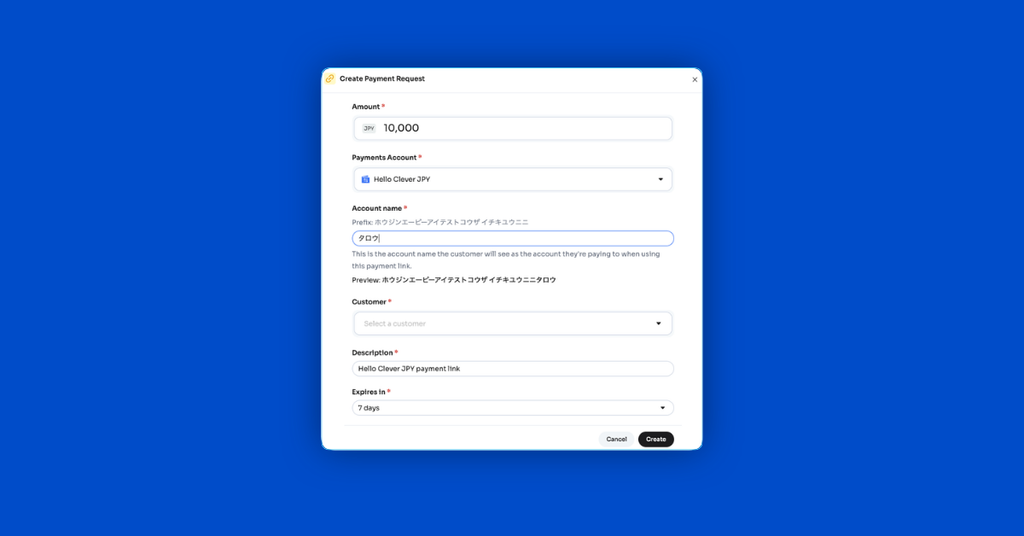
You can also set a custom name on your JPY virtual accounts, through Payment Links or your own API integration. An unfamiliar name on a transfer can make customers pause or check with their bank before paying. A name that matches your business removes that hesitation.
Spot at-risk customers before they leave, with a refreshed way to sign in
Rounding out this month are two updates closer to home: how your team signs in, and how you keep an eye on customers who might be leaving.
Signing in has a refreshed look on both web and mobile, including 2FA and forgot password, and the experience underneath is clearer and easier to use too. If your team sees new screens after this update, that’s expected, nothing about how your account works has changed.
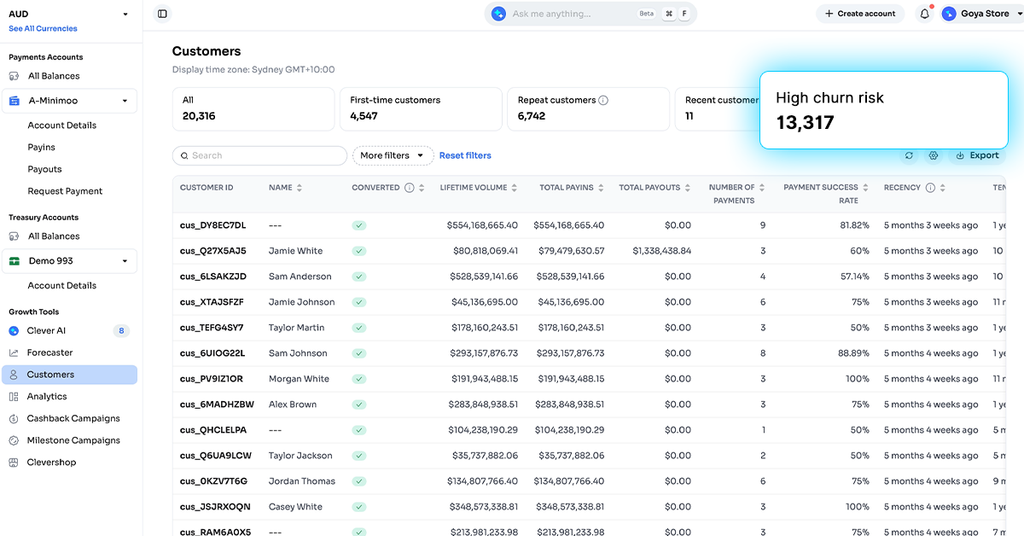
Your dashboard also has a new “High Churn Risk Customers” filter. Instead of running a report to work out who’s slipping away, you can see it immediately and reach out while there’s still a chance to keep that customer, not after they’ve already gone.
Together, this month’s updates mean less time spent chasing information, and a better experience for your customers. That’s this month. See you in October!
Leave a Reply